
Autodesk Inventor Certification Practice Test
$69.00
- Buy to unlock unlimited access to all Quiz questions and Answers in this Quiz.
- After purchase you can print a PDF of the whole quiz at any point. The PDF will contain the questions and the correct answers.
About this Exam
The Autodesk Inventor Certification validates your proficiency in professional-grade 3D mechanical design, documentation, and product simulation. This industry-recognized credential is designed for individuals seeking to showcase their expertise to prospective employers or to advance their careers within the manufacturing, engineering, and product design sectors. Specifically, this certification is ideal for students, drafters, mechanical designers, and engineers who have a foundational understanding of CAD principles and have gained significant practical experience using Autodesk Inventor to solve real-world design challenges.
Ready to test your knowledge?
Buy Now to Access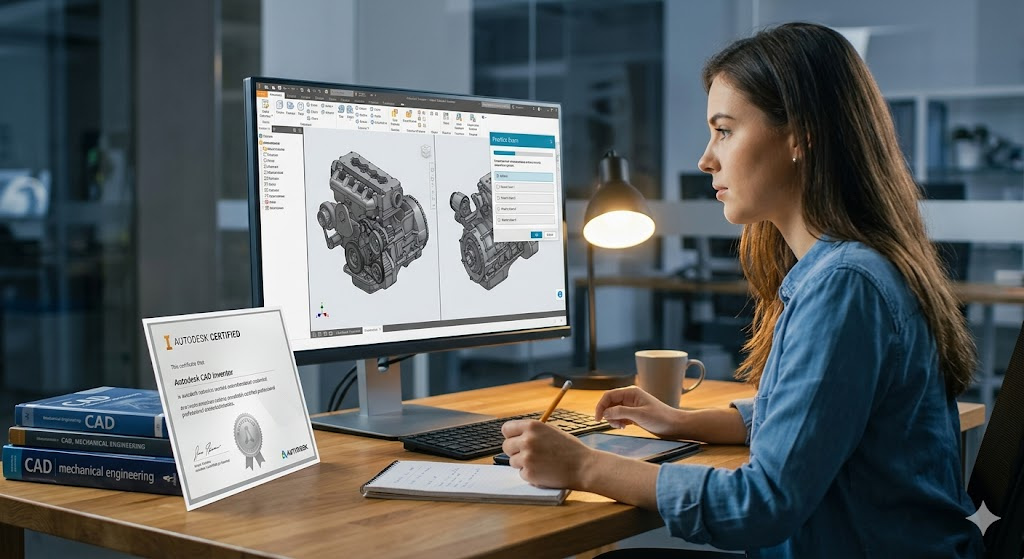
Additional Information
What the Course Entails and Exam Details
This preparation guide covers the extensive skillset tested by the final certification. The official exam objectives are comprehensive, ensuring you have mastered advanced modeling workflows and administration techniques. Candidates are expected to be proficient in several core domains, including advanced part modeling techniques such as creating 3D sketches, managing complex features like sweeps and decals, and utilizing direct editing. The examination also focuses on standard part modeling, advanced assembly modeling, documentation creation, design automation, and general application configuration.
Specifically, you will be expected to master:
Design Automation: Utilizing techniques like iParts, iFeatures, Frame Generator, and Design Accelerators to streamline your workflows.
Assembly Modeling: Developing skills in applying constraints, managing model states, and understanding adaptive parts.
Documentation and Administration: Developing advanced drawing views, managing styles, and configuring project files, templates, and materials.
What to Expect in the Final Exam
The final exam environment is structured to rigorously assess your conceptual knowledge of Inventor workflows. Historically, the exam may have been performance-based, but current standardizations, particularly for the Certified Professional level, favor a selected response format. This means you will not have the active software user interface open during the test; instead, you must mentally visualize and apply your practical knowledge to answer questions based on scenarios and screenshots.
The exam typically consists of 35 to 50 questions, which must be completed within a strict time limit of approximately 120 minutes. Question types are varied and include:
Multiple Choice: Selecting the single best answer.
Multiple Select: Choosing two or more correct options.
Drag-and-Drop: Associating and placing objects within graphics.
Hot Spot: Identification of key interface elements.
How to Study and Exam Centers
Effective preparation requires a combination of structured study and hands-on practice across all exam objective domains, rather than merely using a few specific tools repeatedly. We recommend reviewing the official exam objectives and identifying areas where you lack experience. Utilize Autodesk's official on-demand certification preparation courses, which offer curated videos and exercises for each domain. One of the most critical study methods is taking official Autodesk practice tests, powered by providers like CertPREP or GMetrix. These tests offer both a Testing Mode, simulating the final exam environment, and a Training Mode, providing step-by-step instructions.
To officially take the exam, you must register through a recognized third-party testing provider, usually Pearson VUE. The Autodesk Inventor certification exam can be taken online via a secure, remotely proctored environment or in person at a physical Authorized Testing Center, Academic Partner location, or an Authorized Training Center. We strongly suggest using the provider's locator tool to find the most convenient testing facility or checking the requirements for their onVUE online proctoring service.
Job Opportunities from the Course
Earning your Autodesk Inventor Certification unlocks a wide range of career paths across multiple sectors, including industrial design, aerospace, automotive, and consumer product manufacturing. This certification provides an edge by demonstrating immediate value to potential employers.
Specific job opportunities unlocked by this certification include:
Mechanical Drafter
Mechanical Designer
CAD Manager
Product Engineer
Project Engineer
Mechanical Project Engineer
Autodesk Inventor Designer
Engineering Technician
Drafter/Designer (all types)
CAD Expert
Frequently Asked Questions
Reviews
5.0
Based on 0 reviews
Leave a Review
No reviews yet. Be the first to review!