
CertiPort Practice
$69.00
- Buy to unlock unlimited access to all Quiz questions and Answers in this Quiz.
- After purchase you can print a PDF of the whole quiz at any point. The PDF will contain the questions and the correct answers.
About this Exam
The Microsoft Office
Specialist (MOS) Excel certification is a globally recognized credential that
validates an individual's proficiency in using Microsoft Excel, one of the
world's most essential and widely used data analysis and business tools. This
certification is designed for a broad audience, including students seeking to
enhance their academic portfolio and resumes, administrative professionals
aiming to increase their efficiency and job prospects, and data analysts
looking to solidify their foundational skills. The MOS Excel Practice Exam is
the critical step in preparing for this final certification, providing a
realistic simulation of the actual exam environment to build confidence and
identify areas for improvement. By passing the final MOS Excel exam,
individuals demonstrate to potential and current employers that they possess
the precise, practical skills needed to contribute to a productive and
data-driven workplace, giving them a distinct competitive edge.
Ready to test your knowledge?
Buy Now to Access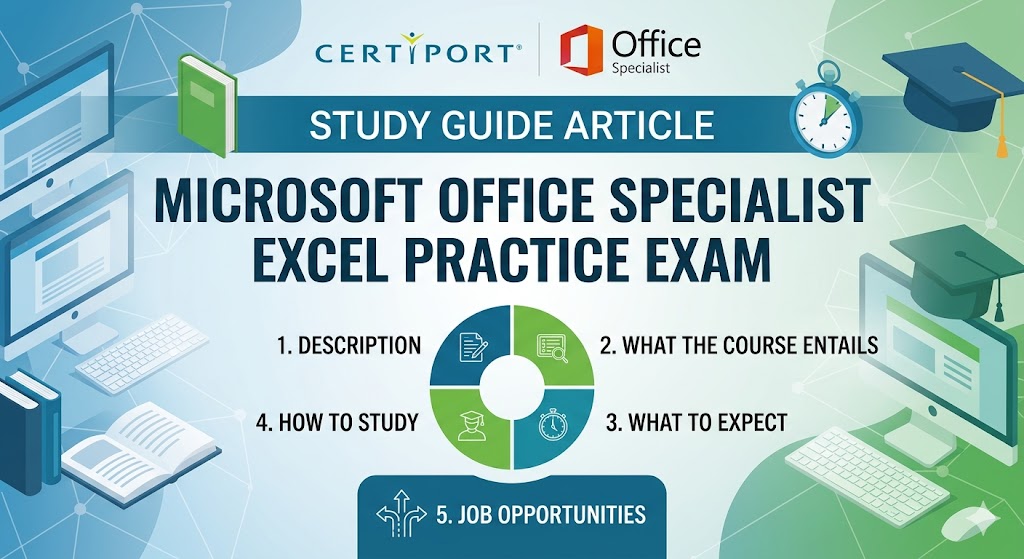
Additional Information
What the Course Entails and
Exam Details
Preparing for the MOS Excel
exam involves a deep dive into the official CertiPort objective domains, which
cover a wide spectrum of essential Excel functionality. The certification path
entails acquiring comprehensive skills in creating and managing worksheets and
workbooks, including managing data and cells. Candidates must also become
experts in working with formulas and functions, the core of Excel’s power, from
basic arithmetic to complex logical and lookup operations. The course further
includes the critical ability to create charts and objects for data
visualization, ensuring that information can be communicated effectively.
Additionally, advanced skills in managing data tables, performing data analysis
with PivotTables and PivotCharts, and automating tasks with simple macros are
tested. CertiPort, the exam provider, supports candidates by recognizing
various training partners and materials that map directly to these official
objective domains, ensuring comprehensive exam preparation.
What to Expect in the Final Exam
The final MOS Excel
certification exam is a unique, "live-in-application" or
performance-based assessment, making it a true test of a candidate's practical
ability. Unlike traditional multiple-choice tests, candidates are given a
series of real-world projects, which they must complete within the actual
Microsoft Excel application environment. Each exam form is unique, and
candidates can typically expect to work through 33 to 37 questions or tasks
within a time limit of 50 minutes. All exams are scored on a scale of 1 to
1000, with a score of 700 always equated to the minimum passing requirement.
The test is taken on a secure CertiPort delivery system and is officially
proctored. Due to the live nature of the exam, it is crucial to ensure that if
one method, such as a keyboard shortcut, does not work, the candidate is able
to immediately utilize another, like using the ribbon or right-clicking,
showing adaptability within the software.
How to Study and Exam Centers
Effective study for the MOS
Excel certification requires a multi-faceted approach, with a heavy emphasis on
practical application. The most crucial component of a successful study
strategy is the use of official CertiPort-recognized practice materials, most
notably the GMetrix practice tests, often branded as CertPREP. GMetrix provides
an incredibly valuable experience by offering two distinct modes: Training Mode
and Testing Mode. Candidates should begin with Training Mode to work at their
own pace, receiving immediate feedback and step-by-step instructions for each
task. Once comfortable, they must transition to Testing Mode, which perfectly
replicates the actual exam, with its timed, live-in-the-application
environment. When you are ready to take the final exam, you must do so at a
CertiPort Authorized Testing Center (CATC). These include many secondary and
post-secondary schools, as well as independent physical testing centers. To
locate your nearest CATC or an authorized online proctor, you should visit the
official CertiPort website and use their comprehensive testing center locator
tool to view all nearby options.
Job Opportunities from the Course
A Microsoft Office Specialist
Excel certification opens the door to a wide array of career paths and job
opportunities across virtually every industry. Some specific job titles and
career paths this certification can unlock include:
- Data Analyst: Uses Excel
for complex data modeling, statistical analysis, and creating detailed
data visualizations to drive business decisions.
- Financial Analyst:
Creates financial models, budgets, and forecasts, leveraging Excel's
strong mathematical and financial functions.
- Administrative
Assistant: Manages office operations, creates schedules, tracks inventory,
and performs other key data organization and reporting tasks.
- Project Coordinator:
Tracks project timelines, resources, budgets, and milestones, using Excel
for efficient tracking and status reporting.
- Bookkeeper: Maintains
financial records, tracks transactions, and generates financial reports,
with a strong focus on data accuracy and detail.
- Business Analyst: Uses
Excel to analyze business processes and performance, identifying trends
and generating actionable insights.
- Supply Chain Planner:
Manages inventory, forecasts demand, and optimizes logistics, using Excel
to track complex data chains.
- HR Specialist: Manages
employee data, tracks performance metrics, and prepares payroll and
benefits reports, requiring data manipulation and analysis.
- Account Manager: Tracks
client information, sales targets, and account performance, generating
detailed sales reports and forecasts.
- Operations Manager:
Oversees daily business activities and tracks key performance indicators
(KPIs) to ensure operational efficiency.
Frequently Asked Questions
Reviews
5.0
Based on 0 reviews
Leave a Review
No reviews yet. Be the first to review!