
CompTIA A+ (220-901) Practice Exam
$69.00
- Buy to unlock unlimited access to all Quiz questions and Answers in this Quiz.
- After purchase you can print a PDF of the whole quiz at any point. The PDF will contain the questions and the correct answers.
About this Exam
The CompTIA A+ certification is the industry standard for establishing a career in information technology (IT). It is the preferred qualifying credential for technical support and operational roles. It is specifically designed for professionals who have approximately nine to 12 months of hands-on experience in the lab or field, or the equivalent training.
The A+ certification is vendor-neutral, meaning it confirms skills across a variety of technologies and operating systems, rather than focusing on a single brand. Professionals with the A+ certification are proven problem-solvers who can support today’s core technologies, from security to networking to virtualization and more. While the exam objectives evolve, the A+ fundamentally validates that a candidate can think on their feet to perform critical IT support tasks.
Ready to test your knowledge?
Buy Now to Access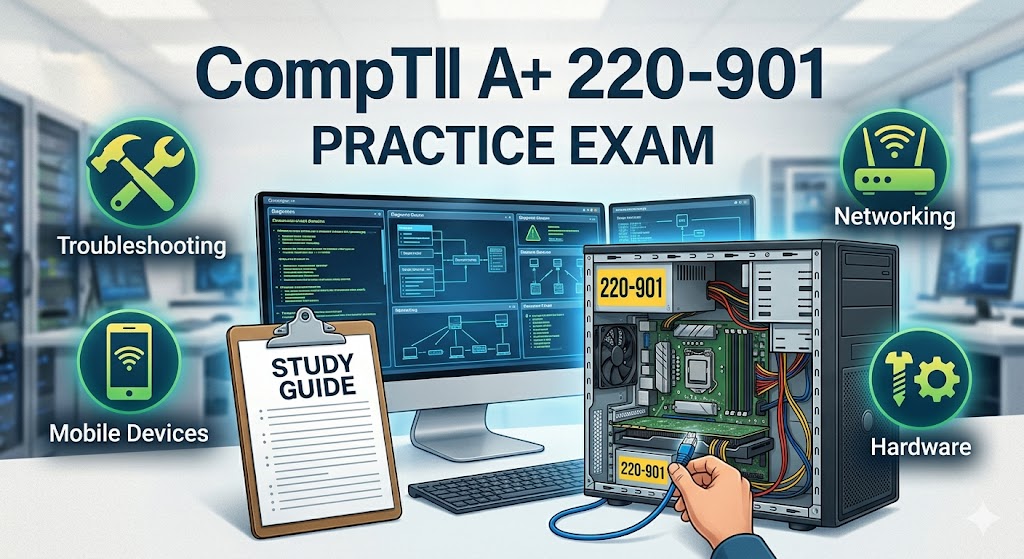
Additional Information
What the Course Entails and Exam Details
The CompTIA A+ (220-901) exam was focused heavily on hardware, IP networking, and mobile devices. It was designed to test a candidate's competence in installing, configuring, and maintaining PC hardware and networking components.
Core Domain Areas and Syllabus Covered (Historical Objectives):
1.0 Hardware (34%): This domain covers a wide range of physical components. You were required to install and configure common items such as CPUs, RAM, storage devices, and power supplies. It also includes configuring motherboards, BIOS/UEFI settings, and supporting cooling systems. A significant portion covers peripherals, including printers, scanners, and multi-function devices.
2.0 Networking (21%): This section includes the basics of networking. Candidates needed to understand core TCP/IP protocols, ports, and common network types like LAN, WAN, and PAN. Setting up basic SOHO (Small Office/Home Office) wired and wireless networks, including router configuration and understanding internet connection types (DSL, Cable, Fiber), was a requirement.
3.0 Mobile Devices (17%): This domain explores supporting laptops, tablets, and smartphones. You were tested on your ability to configure basic wireless connectivity (cellular data, Wi-Fi), manage email on mobile devices, and understand how to synchronization mobile data with PCs.
4.0 Hardware and Network Troubleshooting (28%): This is a crucial practical domain. Candidates were given scenarios to diagnose and resolve common issues. It covers troubleshooting PC hardware (no power, loud noises), storage problems, display issues, printer errors, and network connectivity problems (both wired and wireless).
What to Expect in the Final Exam
When this exam was active, the testing format was rigorous, requiring a blend of theoretical knowledge and practical application. Candidates had to successfully pass two distinct exams—originally 220-901 (Core 1) and 220-902 (Core 2)—to become CompTIA A+ certified.
Historic Final Exam Format:
Number of Questions: A maximum of 90 questions.
Types of Questions: The exam included multiple-choice questions (single and multiple response), drag-and-drop questions, and performance-based questions (PBQs). PBQs are simulated environments that test your ability to solve problems in a real-world scenario, such as configuring a wireless router or installing a specific hardware component in a mock-up PC.
Time Limit: 90 minutes.
Passing Score: The passing score for the 220-901 exam was 675 on a scale of 100-900.
Testing Rules: You were not allowed access to any study materials, electronic devices, or personal items during the test.
How to Study and Exam Centers
Preparation for a vendor-neutral IT certification like the A+ must be comprehensive. You cannot rely on memorization alone; you must understand the "why" and "how" of technical support.
Effective Study Strategies for Modern IT Exams:
Utilize CompTIA Official Content: Even though the 901 is retired, CompTIA's official CertMaster Learn, labs, and practice exams are the best source of truth for current exams. Always cross-reference your study materials with the current exam objectives.
Build a Home Lab: There is no substitute for hands-on experience. Acquire an old PC or set up virtual machines (using free software like VirtualBox) to practice installing and configuring different operating systems (Windows, Linux, macOS) and network settings.
Leverage Video Training: Popular platforms like LinkedIn Learning, Udemy, and dedicated IT training sites offer complete video courses mapped to the current exam objectives. These can be helpful for visualizing complex hardware installations or network configurations.
Use High-Quality Practice Exams: A strong indicator of readiness is consistent success on practice exams from reputable vendors. Do not just look at the correct answer; read the detailed explanation for why the other answers are wrong. This solidifies your conceptual understanding.
Where and How to Take the Final Exam:
You cannot register for the 220-901 exam today. For the current series of CompTIA A+ exams, testing is available through Pearson VUE.
Physical Testing Centers: You can schedule your exam at an authorized Pearson VUE testing center worldwide. These provide a proctored environment with standardized testing computers. Many dedicated IT training schools and community colleges serve as authorized centers.
Online Testing (Remote Proctoring): Pearson VUE also offers an online testing option. This allows you to take the exam from your home or office. A remote proctor will monitor you via your webcam and microphone during the entire session to maintain exam integrity. You must meet specific system and environmental requirements to use this option.
Job Opportunities from the Course
Earning the CompTIA A+ certification is the proven entry point into the IT industry. Employers worldwide look for this certification as a baseline of competence, opening the door to many rewarding career paths. It is often a required or highly preferred credential for entry-level and mid-level roles.
Career Paths and Job Titles the A+ Unlocks:
Help Desk Technician
IT Support Specialist
Tier I Technical Support
Desktop Support Analyst
Service Desk Analyst
Field Service Technician
Data Support Technician
Associate Network Engineer
System Support Administrator
Junior Systems Administrator
IT Field Service Representative
Frequently Asked Questions
Reviews
5.0
Based on 0 reviews
Leave a Review
No reviews yet. Be the first to review!