
Dell Client Foundations Practice Exam
$69.00
- Buy to unlock unlimited access to all Quiz questions and Answers in this Quiz.
- After purchase you can print a PDF of the whole quiz at any point. The PDF will contain the questions and the correct answers.
About this Exam
The Dell Client Foundations certification is a foundational credential designed to validate your knowledge of Dell’s commercial and consumer client products.
This exam is tailored for entry-level IT professionals, help desk technicians, and Dell partner employees who want to prove their proficiency in servicing and troubleshooting Dell hardware.
Earning this credential demonstrates to employers that you have the essential skills needed to safely and effectively repair, diagnose, and maintain Dell laptops, desktops, and workstations.
It acts as a stepping stone for anyone looking to build a robust career in IT hardware support and client systems management.
Ready to test your knowledge?
Buy Now to Access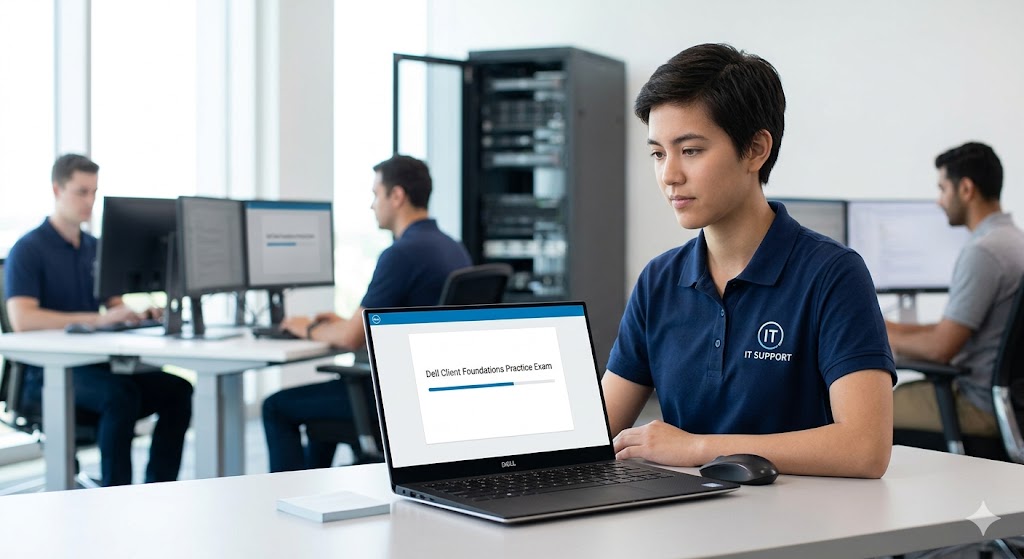
Additional Information
What the Course Entails and Exam Details
The core syllabus for the Dell Client Foundations exam revolves around the architecture, components, and service procedures for Dell systems.
You will dive deep into hardware fundamentals, learning how to safely disassemble and reassemble Dell desktops and laptops.
The course covers essential topics such as navigating the BIOS and UEFI settings, understanding power states, and performing basic network configuration.
A significant portion of the material is dedicated to utilizing Dell’s proprietary diagnostic tools, particularly SupportAssist and the enhanced Pre-Boot System Assessment (ePSA).
You will also learn about crucial safety protocols, including Electrostatic Discharge (ESD) prevention, to ensure you can replace components like motherboards, memory, and storage drives without damaging the equipment.
What to Expect in the Final Exam
When you sit for the final exam, you should anticipate a rigorous multiple-choice and multiple-response format designed to test your practical knowledge and theoretical understanding.
The exam typically consists of around 40 to 50 questions, and you are generally given a time limit of 60 to 90 minutes to complete it.
To achieve a passing score, you will usually need to hit a threshold of 80%, meaning accuracy and a thorough understanding of Dell systems are vital.
The test is strictly closed-book, meaning you will not have access to external resources, notes, or search engines during the session.
Questions often feature scenario-based troubleshooting problems, so you must know how to apply your knowledge rather than just memorizing facts.
How to Study and Exam Centers
The most effective way to study for this exam is by combining theoretical review with hands-on practice.
Start by thoroughly reading the official Dell service manuals and technical guidebooks available through the Dell support website.
Taking a high-quality practice exam is arguably the most critical step in your preparation; it helps you identify your weak areas, get comfortable with the wording of the questions, and learn how to manage your time effectively.
If possible, get hands-on experience by taking apart and reassembling older Dell systems to build your muscle memory and practical confidence.
The official exam is primarily administered online through the Dell TechDirect portal, allowing you to take the test remotely from the comfort of your home or office.
In some cases, especially for larger corporate partners or specific regional requirements, the exam may also be hosted via Pearson VUE online proctoring or at authorized physical testing centers.
Job Opportunities from the Course
Earning your Dell Client Foundations certification unlocks a variety of rewarding career paths in the IT sector. Here are some of the primary job opportunities you can pursue:
IT Support Specialist: In this role, you will be the first point of contact for employees experiencing technical issues, using your certification to efficiently troubleshoot and resolve hardware-related problems on company-issued Dell machines.
Field Service Technician: This active role involves traveling to client sites to perform on-site repairs, hardware upgrades, and preventive maintenance on Dell desktops and laptops.
Help Desk Analyst: You will provide remote technical support, walking users through diagnostic steps and using tools like Dell SupportAssist to identify and order replacement parts before dispatching a technician.
PC Repair Technician: Working in a repair shop or for an IT services provider, you will focus heavily on diagnosing hardware failures, replacing motherboards, fixing broken screens, and recovering operating systems.
System Administrator (Entry-Level): A foundational knowledge of client hardware helps entry-level admins deploy new hardware fleets, manage system images, and ensure endpoint devices are functioning optimally within the corporate network.
Frequently Asked Questions
Reviews
5.0
Based on 0 reviews
Leave a Review
No reviews yet. Be the first to review!