
Device Configuration and Management Practice Test
$69.00
- Buy to unlock unlimited access to all Quiz questions and Answers in this Quiz.
- After purchase you can print a PDF of the whole quiz at any point. The PDF will contain the questions and the correct answers.
About this Exam
This practice test is designed as a crucial preparation tool for individuals looking to validate their foundational skills in device configuration and management. It serves as an excellent warm-up for standard IT certifications focusing on desktop and mobile operating system administration, device enrollment, security settings, and deployment strategies. This assessment is ideal for IT students, entry-level help desk technicians, systems support specialists, and anyone aspiring to manage a wide range of devices within an organization. By simulating the actual exam experience, it helps gauge readiness and identify areas for further study.
Ready to test your knowledge?
Buy Now to Access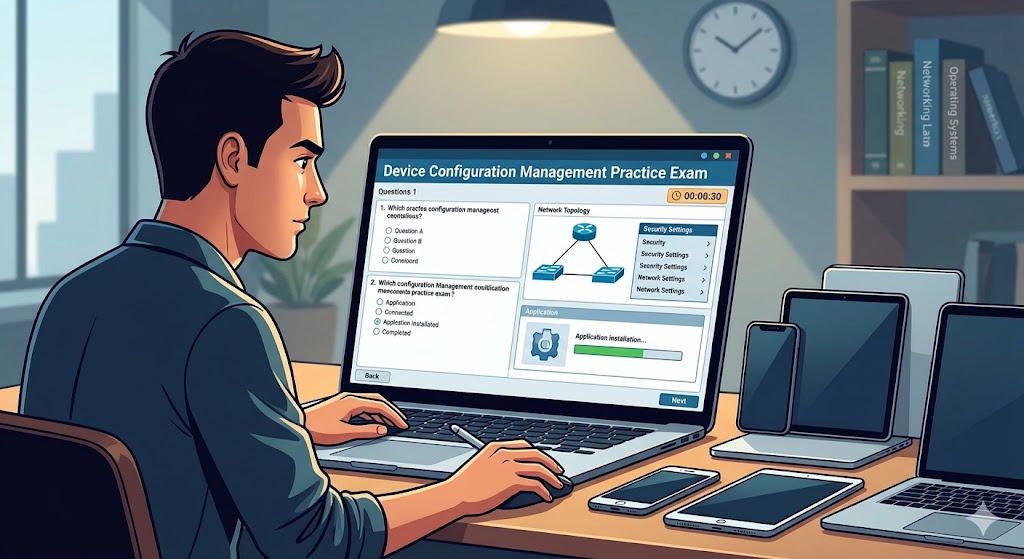
Additional Information
What the Course Entails and Exam Details
This practice exam covers essential concepts for managing modern device landscapes. The primary knowledge areas typically include: configuring and managing basic network connectivity; implementing security controls like device passcodes, encryption, and firewalls; deploying operating systems and standard applications; performing routine maintenance and updates; and troubleshooting common device issues. The actual certification exam often presents real-world scenarios requiring practical application of configuration principles. These questions assess understanding of configuration settings across different platforms, such as Windows, macOS, Android, and iOS, depending on the specific focus of the official exam. The practice exam aims to mirror this structure and depth.
What to Expect in the Final Exam
While actual exam formats can vary slightly by certification provider, most certification exams for device configuration and management consist primarily of multiple-choice questions. It is common to encounter scenario-based questions that describe a problem and require selecting the correct configuration steps or troubleshooting process. The official final exam typically lasts between 60 and 90 minutes and contains approximately 40 to 60 questions. A passing score is usually set around 700 on a 1000-point scale or an equivalent percentage, ensuring candidates demonstrate substantial proficiency. This is typically a proctored, closed-book exam taken in a secure environment.
How to Study and Exam Centers
Preparation for this type of exam must go beyond theoretical knowledge and strongly emphasize hands-on experience. Create a lab environment using virtualization software to practice configuring and managing different operating systems, or work directly with available test devices. Focus on exploring management consoles and settings, performing the configurations described in study objectives. Supplement this practical work with official study guides, review online documentation from OS and management software vendors, and utilize practice exams extensively to refine your knowledge and timing. Official certification exams are typically delivered through authorized testing providers like Pearson VUE, which offers both secure in-person testing centers and convenient online proctored options. Some educational institutions or employers may also serve as authorized testing locations.
Job Opportunities from the Course
A strong understanding of device configuration and management is a vital skill that opens doors to many entry-level and intermediate IT roles. Individuals who successfully demonstrate proficiency in this area are well-prepared for positions such as:
Help Desk Technician
Desktop Support Specialist
IT Support Specialist
Mobile Device Management (MDM) Associate
Junior Systems Administrator
Technical Support Engineer
Frequently Asked Questions
Reviews
5.0
Based on 0 reviews
Leave a Review
No reviews yet. Be the first to review!