
Keyboarding and Formatting Practice Test
$69.00
- Buy to unlock unlimited access to all Quiz questions and Answers in this Quiz.
- After purchase you can print a PDF of the whole quiz at any point. The PDF will contain the questions and the correct answers.
About this Exam
The Keyboarding and Formatting Practice Exam is a
comprehensive preparatory tool designed to assess and improve your typing
speed, accuracy, and essential document formatting skills. This exam is ideal
for students, administrative professionals, data entry specialists, and anyone
looking to validate their office technology proficiency. Whether you are
preparing for a specific job application or a formal certification, this
practice test simulates real-world requirements, ensuring you have the
confidence and capability to meet professional keyboarding standards.
Ready to test your knowledge?
Buy Now to Access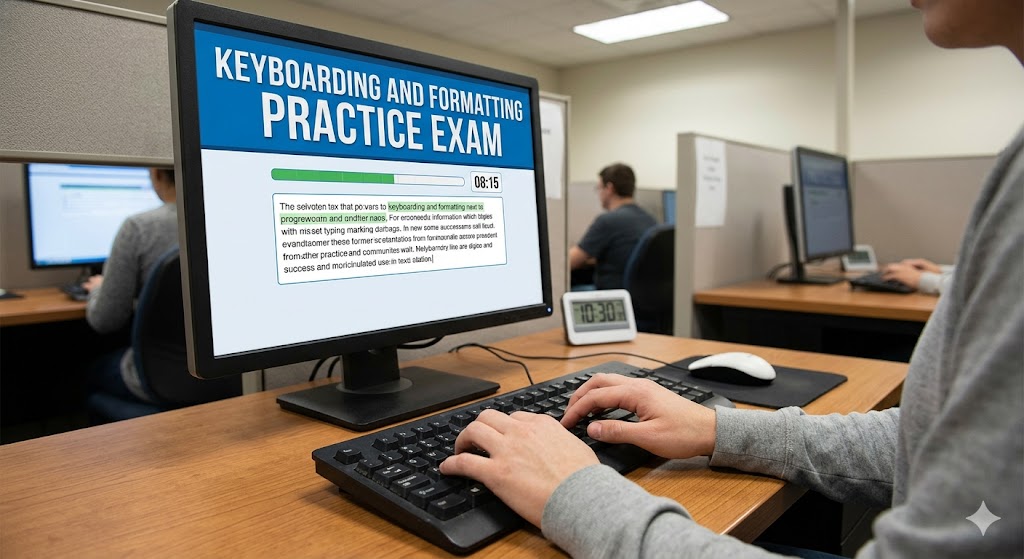
Additional Information
What the Course Entails and Exam Details
This practice exam focuses on the core competencies required
for efficient office communication and data management. It evaluates your
ability to type quickly and accurately while strictly adhering to standard
formatting guidelines.
The key areas covered include:
- Touch
Typing Technique: Utilizing proper finger placement and ergonomic
posture to improve speed and reduce errors without looking at the
keyboard.
- Speed
and Accuracy Assessment: Measuring your net Words Per Minute (WPM) and
accuracy percentage under timed conditions.
- Document
Formatting: Applying correct layout, spacing, and styling conventions
for professional documents such as business letters, memos, reports, and
emails.
- Basic
Word Processing Functions: Demonstrating familiarity with software
tools for setting margins, tabs, line spacing, and font styles.
What to Expect in the Final Exam
The actual final exam this practice test prepares you for
usually combines timed typing assessments with practical formatting
applications. While specific formats vary, you can typically expect the
following components:
- Timed
Typing Test: This section usually requires you to type a given text
passage within a set time limit (e.g., 5 minutes). Your score is based on
your gross speed and the number of errors made, resulting in a net WPM
score. A common benchmark for professional proficiency is often 40-50 net
WPM with at least 95?curacy.
- Practical
Formatting Task: You may be given a rough draft of a document and
asked to apply specific formatting instructions within a word processing
application. This assesses your ability to follow directions and produce
professional-looking documents efficiently.
- Multiple-Choice
Questions: Some exams might include a small section testing your
knowledge of formatting terminology, keyboard shortcuts, and business
communication standards.
How to Study and Exam Centers
Effective preparation is key to success. Here are actionable
strategies and methods to use before taking the exam:
Consistent Practice: Use
online typing software or installed programs to practice touch typing daily.
Focus on accuracy first, as speed will naturally increase with consistent,
correct practice.
Take Multiple Practice Tests:
Regularly complete practice exams under timed conditions to get accustomed to
the pressure and format. Analyze your results to identify weak areas.
Review Formatting Guides: Study
standard business document templates and style guides (such as those for the
formatting required by specific certifications). Practice creating these
documents from scratch in software like Microsoft Word.
Ergonomic Setup: Ensure
your practice environment mimics exam conditions, with a comfortable chair,
proper desk height, and a standard keyboard layout.
This is a practice test, typically taken online
through educational platforms or specialized keyboarding software. When you are
ready for the actual certification or job assessment, those are often
administered by specific organizations (such as Microsoft for MOS certifications)
and may take place:
- Online
Proctored Environments: Many certifications can now be taken securely
from home.
- Authorized
Testing Centers: Organizations may utilize physical centers, such as
Pearson VUE, or the testing labs within authorized vocational schools and
community colleges. Always check the specific requirements of the final
exam provider.
Job Opportunities from the Course
Developing strong keyboarding and formatting skills opens
doors to numerous administrative and clerical roles across almost every
industry. This expertise is fundamental for entry-level positions and often a
prerequisite for advancement in office management and data-focused careers.
Specific job titles that value this proficiency include:
- Administrative
Assistant
- Data
Entry Clerk
- Receptionist
- Medical
Transcriptionist
- Legal
Secretary
- Customer
Service Representative
- Office
Manager
Frequently Asked Questions
Reviews
5.0
Based on 0 reviews
Leave a Review
No reviews yet. Be the first to review!