
Microsoft Administration Pt 2 Practice Test
$69.00
- Buy to unlock unlimited access to all Quiz questions and Answers in this Quiz.
- After purchase you can print a PDF of the whole quiz at any point. The PDF will contain the questions and the correct answers.
About this Exam
The Microsoft Administration Pt 2 certification exam (likely corresponding to the Administering Windows Server Hybrid Core Infrastructure exam) is a crucial step for IT professionals looking to validate their expertise in managing modern Windows Server environments.
This exam is designed specifically for System Administrators and IT professionals who have experience working with Windows Server and who are increasingly responsible for managing workloads across on-premises, hybrid, and cloud environments, particularly with Microsoft Azure.
It focuses on implementing and managing core Windows Server services, emphasizing skills required in modern, distributed IT infrastructures.
Ready to test your knowledge?
Buy Now to Access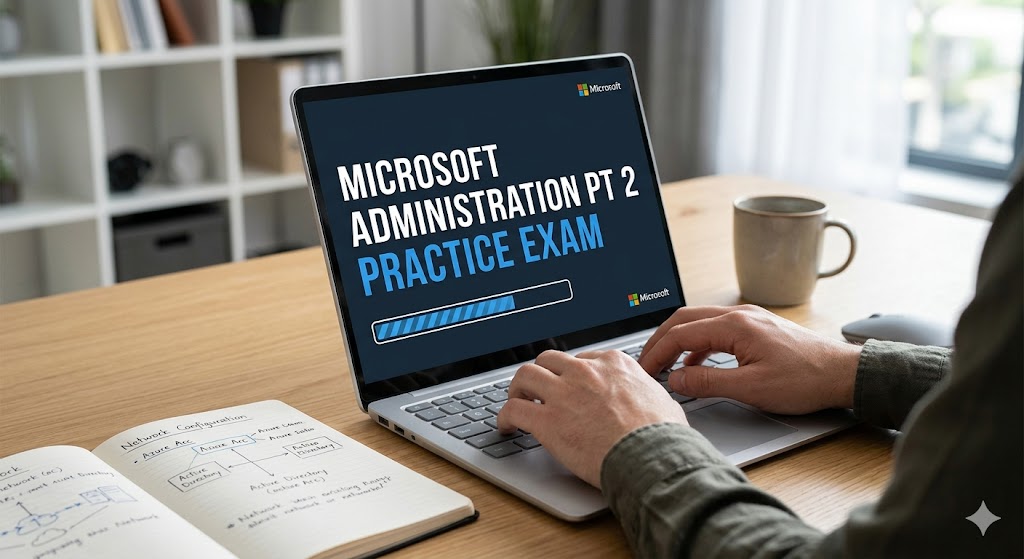
Additional Information
What the Course
Entails and Exam Details
This exam path covers a comprehensive range of skills
essential for modern system administration. Key areas of focus include:
- Implementing
and Managing Active Directory Domain Services (AD DS): You will be
tested on deploying and managing AD DS in hybrid environments, including
synchronization with Azure AD, group policy implementation, and domain
controller management.
- Managing
Windows Servers and Workloads in a Hybrid Environment: This domain
covers managing servers using tools like Windows Admin Center and
PowerShell, as well as integrating on-premises environments with Azure
services, including Azure Arc management.
- Managing
Virtual Machines and Containers: You need to understand how to deploy
and manage Hyper-V virtual machines, as well as managing Windows and Linux
containers.
- Implementing
and Managing Networking Infrastructure: This covers core networking
services, such as DNS, DHCP, and IP Address Management (IPAM), as well as
implementing hybrid networking solutions like VPNs and ExpressRoute.
- Implementing
and Managing Storage Services: You will be evaluated on your ability
to configure and manage Storage Spaces, Storage Replica, Data
Deduplication, and SMB shares, including integration with Azure File Sync.
What to Expect in
the Final Exam
The official final exam is a comprehensive assessment
designed to measure your practical ability and theoretical knowledge.
- Exam
Format: The test typically consists of 40-60 questions. You will
encounter various question types, including multiple-choice,
drag-and-drop, case studies requiring scenario analysis, and potentially
performance-based labs where you must complete tasks in a live
environment.
- Time
Limit: Candidates generally have between 100 and 120 minutes to
complete the exam.
- Passing
Score: The passing score is typically 700 out of 1000. It's important
to note that Microsoft uses scaled scoring, so the number of questions you
need to answer correctly can vary.
- Rules
and Proctoring: This is a proctored exam. You can take it in-person at
an authorized testing center or online from your home or office, provided
you meet specific environmental and technical requirements. No external
resources, references, or unauthorized assistance are allowed during the
exam.
How to Study and
Exam Centers
Preparation is the key to success for this challenging exam.
Here are some actionable study strategies:
- Utilize
Official Resources: Start with the official Microsoft Learn paths and
documentation. Microsoft provides comprehensive, free online modules that
cover every objective measured in the exam.
- Hands-on
Practice: This is critical. Build a lab environment using Windows
Server Evaluation software and an Azure free tier account. Practice
configuring AD DS, setting up virtual machines, implementing networking
services, and experimenting with Azure hybrid integration. Practical
experience is invaluable.
- Practice
Exams: Use reputable practice exams to gauge your readiness and
familiarize yourself with the question formats. Review the detailed
explanations for both correct and incorrect answers.
- Study
Groups: Joining online forums, study groups, or technical communities
can provide support, insight, and clarification on difficult topics.
Where to Take the Exam:
Microsoft exams are officially administered through Pearson
VUE. You can register and schedule your exam directly through the Microsoft
certification dashboard.
- Online
Proctoring (OnVUE): You can take the exam from the comfort of your
home or office using OnVUE, Pearson VUE’s online proctoring service. This
requires a reliable internet connection, a webcam, and a quiet, private
space.
- Testing
Centers: Alternatively, you can choose to take the exam in person at
an authorized Pearson VUE testing center. You will select a physical
testing center near your location during the registration process.
Job Opportunities from the
Course
Earning a Microsoft Administration certification
significantly enhances your resume and opens doors to various roles in the IT
sector. This certification validates the skills that employers are actively
seeking for managing hybrid infrastructures.
Potential job titles and career paths include:
- Windows
Server Administrator
- Systems
Administrator
- Cloud
Administrator (Hybrid focus)
- Network
Administrator
- IT
Operations Specialist
- Hybrid
Cloud Engineer
- Systems
Engineer
Frequently Asked Questions
Reviews
5.0
Based on 0 reviews
Leave a Review
No reviews yet. Be the first to review!