WatchGuard Secure Wi-Fi Essentials Practice Exam
$69.00
- Buy to unlock unlimited access to all Quiz questions and Answers in this Quiz.
- After purchase you can print a PDF of the whole quiz at any point. The PDF will contain the questions and the correct answers.
About this Exam
The Secure Wi-Fi Essentials with WatchGuard Cloud certification validates an IT professional's ability to deploy, manage, and secure wireless networks using the WatchGuard Cloud platform. This exam is designed for network administrators, security engineers, and IT professionals who are responsible for designing, configuring, and maintaining robust wireless LAN environments, particularly in multi-site or remote locations. It confirms the candidate's mastery of configuring secure SSIDs, managing AP hardware, implementing advanced security measures, and analyzing network performance through the cloud-based management portal.
Ready to test your knowledge?
Buy Now to Access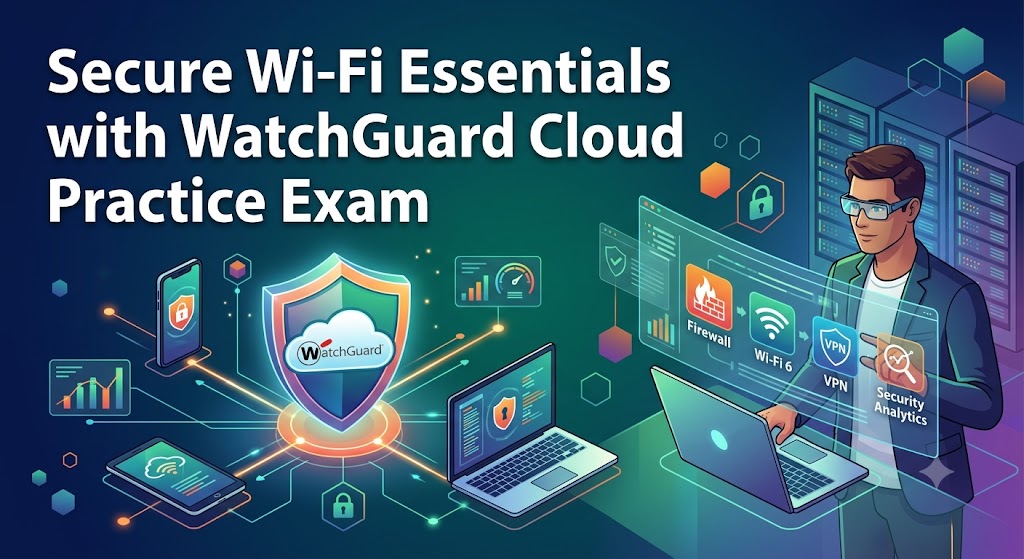
Additional Information
What the Course Entails and Exam Details
To prepare for this practice exam, candidates should focus on the following core domains that mirror the structure of the corresponding official course and the actual certification exam:
WatchGuard Cloud Overview: Understand the Cloud platform architecture, initial setup, access management, and reporting dashboard functions.
Access Point Management: Master the processes for activating APs, managing AP hardware lifecycle, firmware updates, and troubleshooting common deployment issues.
Wi-Fi Configuration and Deployment: Gain expertise in designing wireless networks, configuring SSIDs for varied security levels, managing radio settings, and optimizing Wi-Fi coverage.
Security Implementation: Learn how to implement advanced security features, including rogue AP detection, WIPS (Wireless Intrusion Prevention System), multi-factor authentication (MFA) for Wi-Fi access, and client isolation.
Client Management: Master client onboarding, band steering, load balancing, and enforcing security policies per device type.
Reporting and Analysis: Learn to generate and analyze Wi-Fi-specific reports, including usage trends, security threats, and network performance, all within the WatchGuard Cloud console.
What to Expect in the Final Exam
While exact details can vary, typically, the official Secure Wi-Fi Essentials with WatchGuard Cloud exam adheres to these formats:
Exam Format: The final exam consists primarily of Multiple Choice and Multiple Select questions. It may also include some simulation or hot-spot questions related to the WatchGuard Cloud interface.
Time Limit: Candidates usually have approximately 60 to 90 minutes to complete the entire exam.
Number of Questions: Expect between 50 and 70 questions covering the various syllabus domains.
Passing Score: The passing score is generally around 70% to 75%, though it may fluctuate slightly.
Retake Policy: Candidates who do not pass on their first attempt often must wait a minimum of 72 hours before retaking the exam, with further attempts limited per period.
Language: The exam is typically offered in English.
Cost: Standard certification fees apply, though practice test materials may sometimes include discounted exam vouchers.
How to Study and Exam Centers
Effective preparation is essential for success in both this practice exam and the final certification. Follow these strategic steps:
How to Study
Hands-on Practice: Utilize the official WatchGuard learning portal, which often includes virtual labs. There is no better substitute for experiencing the exact steps of configuring an AP in WatchGuard Cloud than doing it yourself.
Utilize Practice Exams: This practice test is critical. It simulates the timed pressure and question formats you will face, allowing you to gauge your readiness and pinpoint weak knowledge areas. Analyze your incorrect answers to understand the underlying logic.
Review Official Documentation: WatchGuard's extensive documentation library on WatchGuard Cloud and AP management is the definitive source for technical details. Focus on specific features and limitations of different AP models.
Take Official Training: While not always mandatory, enrolling in the Secure Wi-Fi Essentials with WatchGuard Cloud course (instructor-led or self-paced) is highly recommended. It provides structured learning directly aligned with the exam objectives.
Join Community Forums: Engage with other professionals studying for or who have completed the certification on forums like the WatchGuard Community or LinkedIn groups. Hearing different perspectives can clarify complex topics.
Exam Centers
The official Secure Wi-Fi Essentials with WatchGuard Cloud exam is administered in multiple ways:
Online Proctored Exams: The most common and convenient method is taking the exam remotely via the official proctoring partner, often through the candidate's personal computer in a quiet, private location. This provides maximum flexibility.
Testing Centers: Some candidates may prefer the formal environment of an authorized physical testing center. Check the official WatchGuard certification portal or the designated exam provider (like Kryterion or Pearson VUE, depending on current agreements) for authorized local centers.
Job Opportunities from the Course
A Secure Wi-Fi Essentials with WatchGuard Cloud certification significantly enhances an IT professional’s resume, opening doors to various network security and administration roles. It is particularly valuable for those looking to work with Managed Service Providers (MSPs), as cloud-managed Wi-Fi is a popular service offering.
Here are the specific job opportunities this certification can unlock or support:
Network Security Engineer
Wi-Fi Administrator
Cloud Network Architect
Network Operations Center (NOC) Analyst
Security Solutions Consultant
Network Engineer (SMB and Enterprise)
Wireless Security Specialist
Infrastructure Support Engineer
Frequently Asked Questions
Reviews
5.0
Based on 0 reviews
Leave a Review
No reviews yet. Be the first to review!