
Western Governors University (WGU) ITEC2022 D386 Hardware and Operating Systems Essentials Practice Exam
$69.00
- Buy to unlock unlimited access to all Quiz questions and Answers in this Quiz.
- After purchase you can print a PDF of the whole quiz at any point. The PDF will contain the questions and the correct answers.
About this Exam
The Western Governors University (WGU) ITEC2022 D386 Hardware and Operating Systems Essentials course is a pivotal starting point for aspiring IT professionals. This course is designed to provide students with a fundamental understanding of essential computer hardware and operating system concepts. It serves as a critical stepping stone, equipping learners with the core knowledge required for a successful career in information technology. If you are a student enrolled in a WGU IT program or looking to build a strong technical foundation, this course and its practice exam are designed for you. Preparing for this certification path ensures you possess the practical knowledge needed for entry-level IT positions. The practice exam itself is an invaluable tool for gauge your readiness for the final assessment, helping you build confidence and identify areas where you need further study.
Ready to test your knowledge?
Buy Now to Access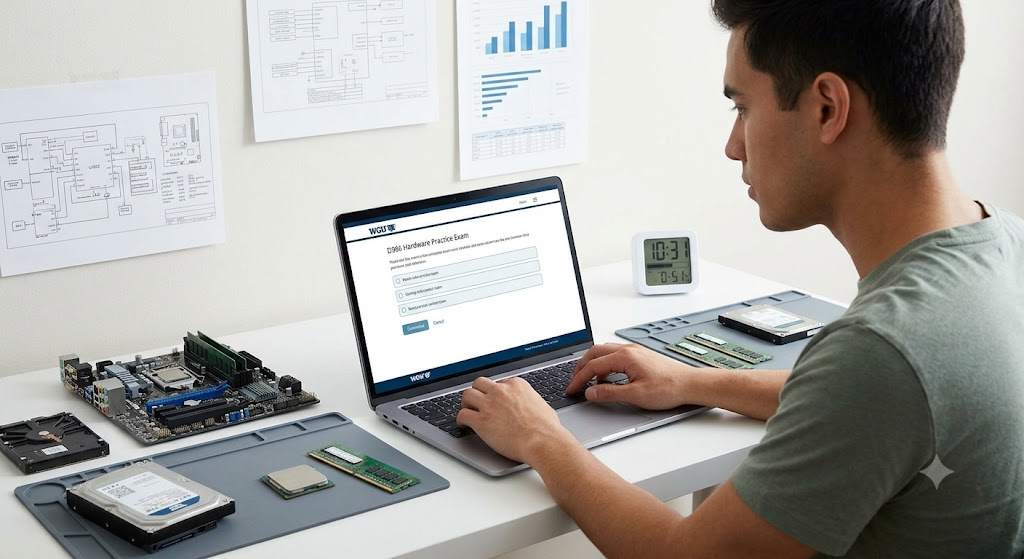
Additional Information
What the Course Entails and Exam Details
The WGU D386 course covers a broad spectrum of fundamental IT topics, structured to build robust practical skills. Key areas included are essential hardware components, such as motherboards, CPUs, RAM, storage devices, power supplies, and common interface types. You will learn to identify these components, understand their functions, and perform basic installation and configuration. Additionally, the course provides a foundational overview of various operating systems, focusing on installation, configuration, and fundamental management tasks. Topics include standard Windows features, basic command line, file systems, security settings, and networking concepts. The syllabus is designed to align closely with standard entry-level industry certifications, ensuring you acquire the requisite knowledge for professional competence in the field.
What to Expect in the Final Exam
The final exam for the WGU D386 Hardware and Operating Systems Essentials course is a proctored assessment taken online. The exam typically consists of multiple-choice and multi-select questions that test your understanding of the material. In some instances, performance-based questions may be included to evaluate practical skills, such as configuring simple settings or troubleshooting basic hardware or software issues. To achieve a passing score, you must meet the WGU competency standard for the course, which often requires a score within the typical 70-75% range, although exact thresholds vary. Students are generally allotted 90 to 120 minutes to complete the exam. Strict academic integrity rules are in place, and the exam is monitored remotely to ensure a fair testing environment.
How to Study and Exam Centers
Effective preparation is key to success on the D386 final exam. Utilize the primary learning resources provided by WGU, which often include interactive uCertify materials, e-textbooks, and course-specific modules. Take this practice exam multiple times to become familiar with the questioning style and to identify your weak points. Create flashcards for critical hardware components, command-line tools, and basic networking configurations. Review scenario-based examples to apply your theoretical knowledge to real-world IT situations. Access relevant video lectures and attend WGU-sponsored learning sessions. For the exam, WGU utilizes remote proctoring, allowing you to take the assessment conveniently from your home. You will typically use a standard webcam and meet specific environment requirements to ensure the integrity of the test.
Job Opportunities from the Course
Upon completing this foundational course and passing the final exam, you will be prepared for various entry-level job opportunities in the IT field. Common career paths include:
IT Support Specialist: Providing technical assistance and troubleshooting for users.
Help Desk Analyst: Offering initial technical support and basic resolution via phone or email.
PC Technician: Installing, configuring, and repairing computer hardware and related equipment.
Desktop Support Technician: Focusing on end-user computer software and hardware issues in corporate environments.
IT Support Associate: Assisting in general IT operations and maintenance within an organization.
Level 1 IT Support: Resolving simple to moderately complex technical issues as the first point of contact.
Frequently Asked Questions
Reviews
5.0
Based on 0 reviews
Leave a Review
No reviews yet. Be the first to review!